


Mini SFP to 3.0 USB-C to Fiber Adapter
Overview
LNK-TCF1000 Series Micro Mini USB-C to Fiber Network adapter designed for Laptop/PC/Tablet that with Type-C interface and need to access Fast and Stable internet through Fiber Cable. With this USB-C LAN Card, Network Connection is more stable and quicker than Wifi access. It can offer 1000Mbps Internet access, It provides up to 2000Mbps full-duplex bandwidth capacity. In addition, with advanced functions like VLAN filtering packet processing, the adapter provides added performance, flexible configuration and secure networking for users in a standard-based environment.
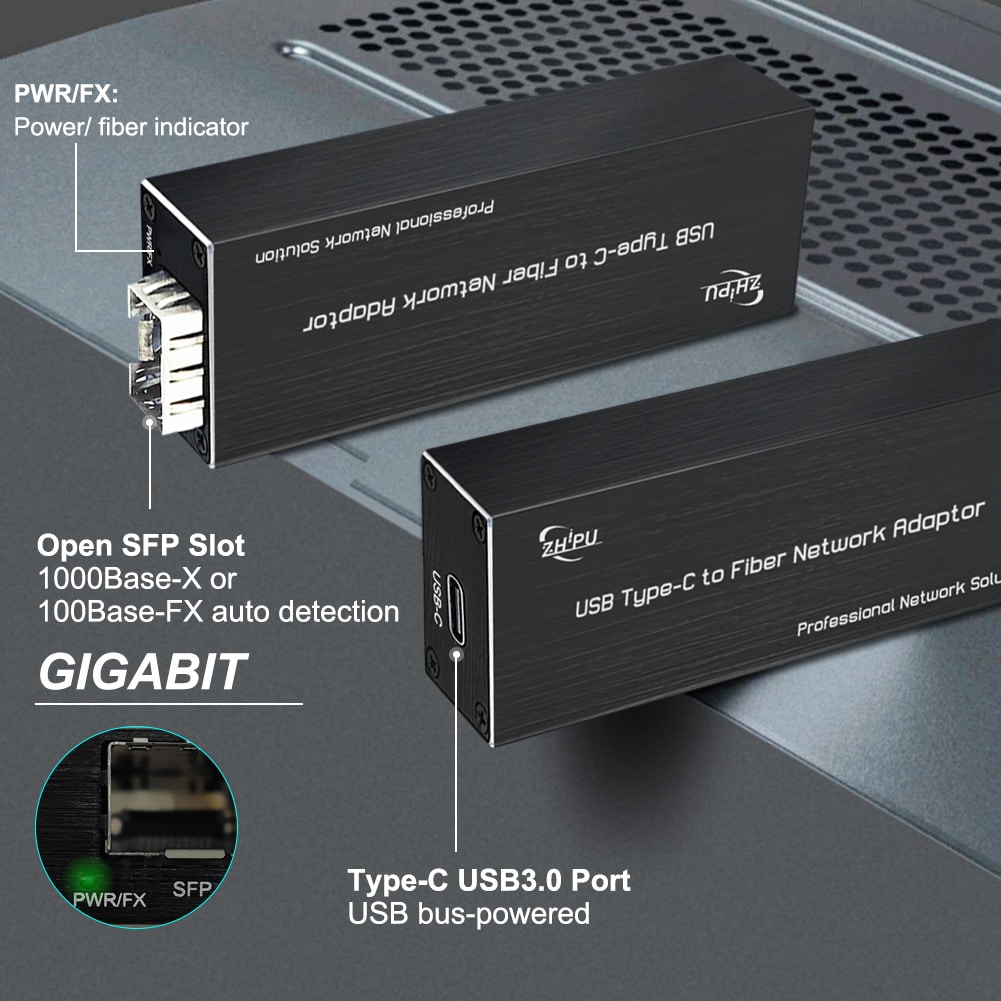
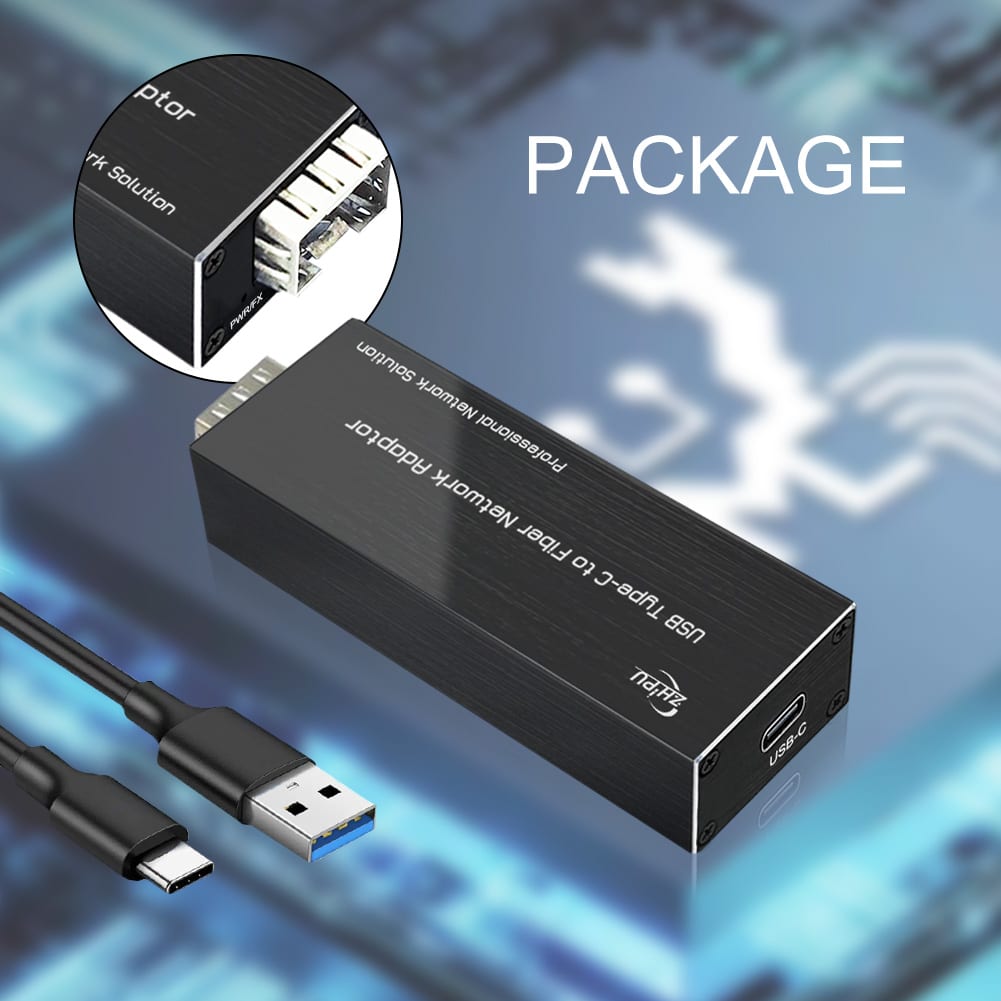
- 1×100/1000Base-X SFP Slot + 1xTYPE-C USB3.0 Slot
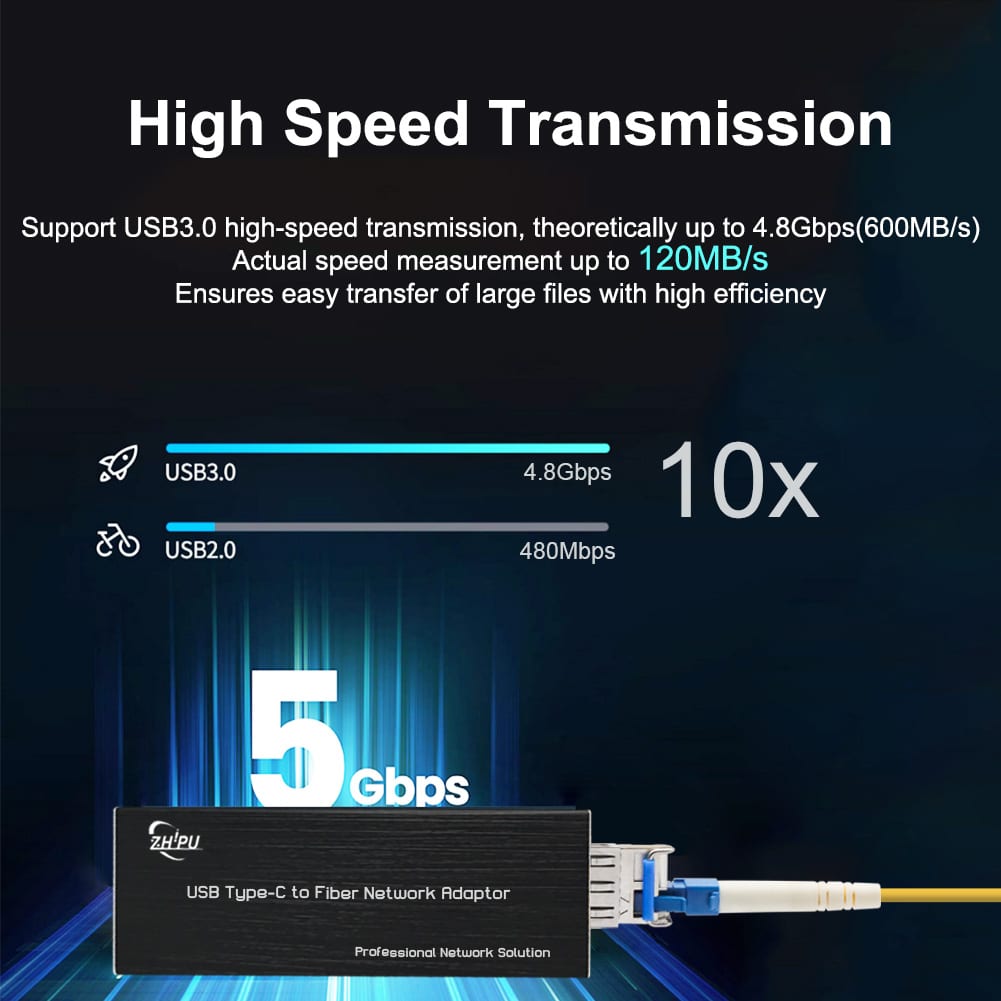
- USB 3.0 compatibility ensures high performance packet transfer rate
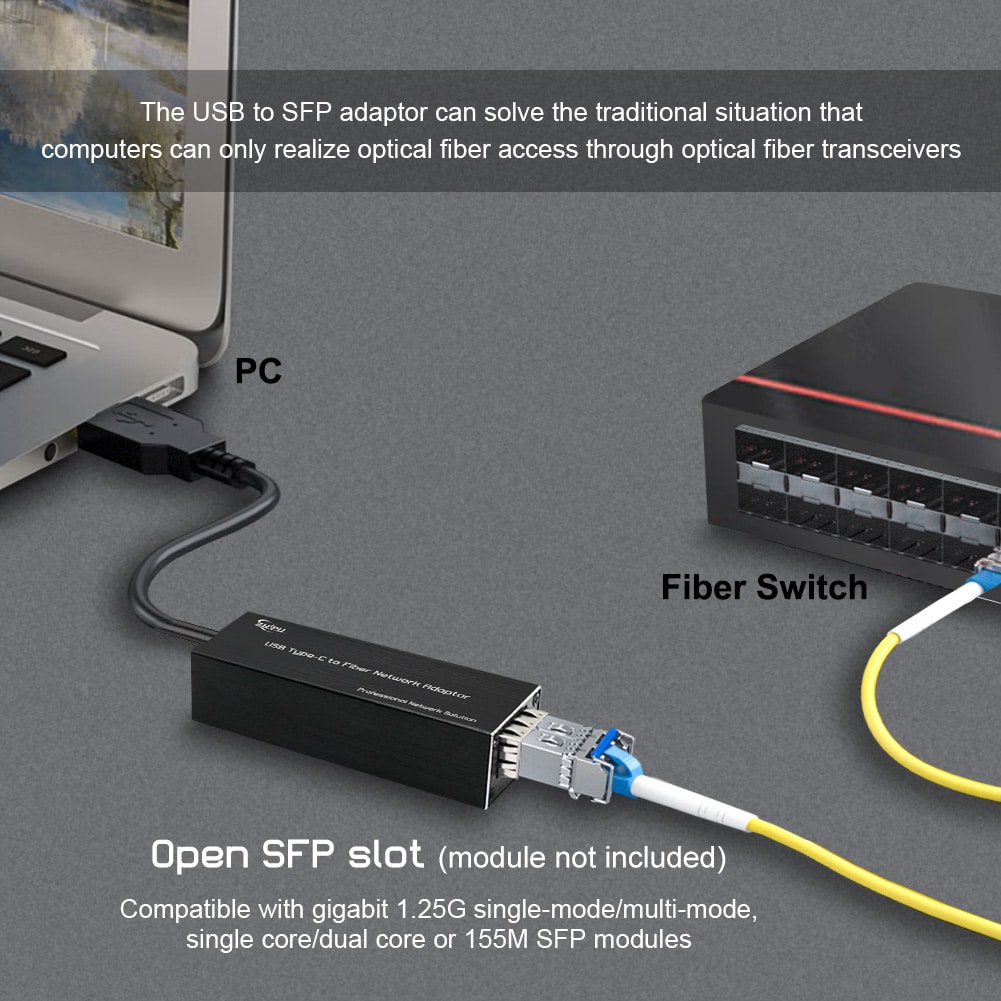
- Provides a fiber network connection to portable laptops or tablets
- Fiber-to-the-desk connectivity (FTTD) enhances security, reducing the risk of data leaks
- Full duplex with flow control and half duplex with back pressure operation
- Highly portable design, with no need for an external power adapter (bus powered)
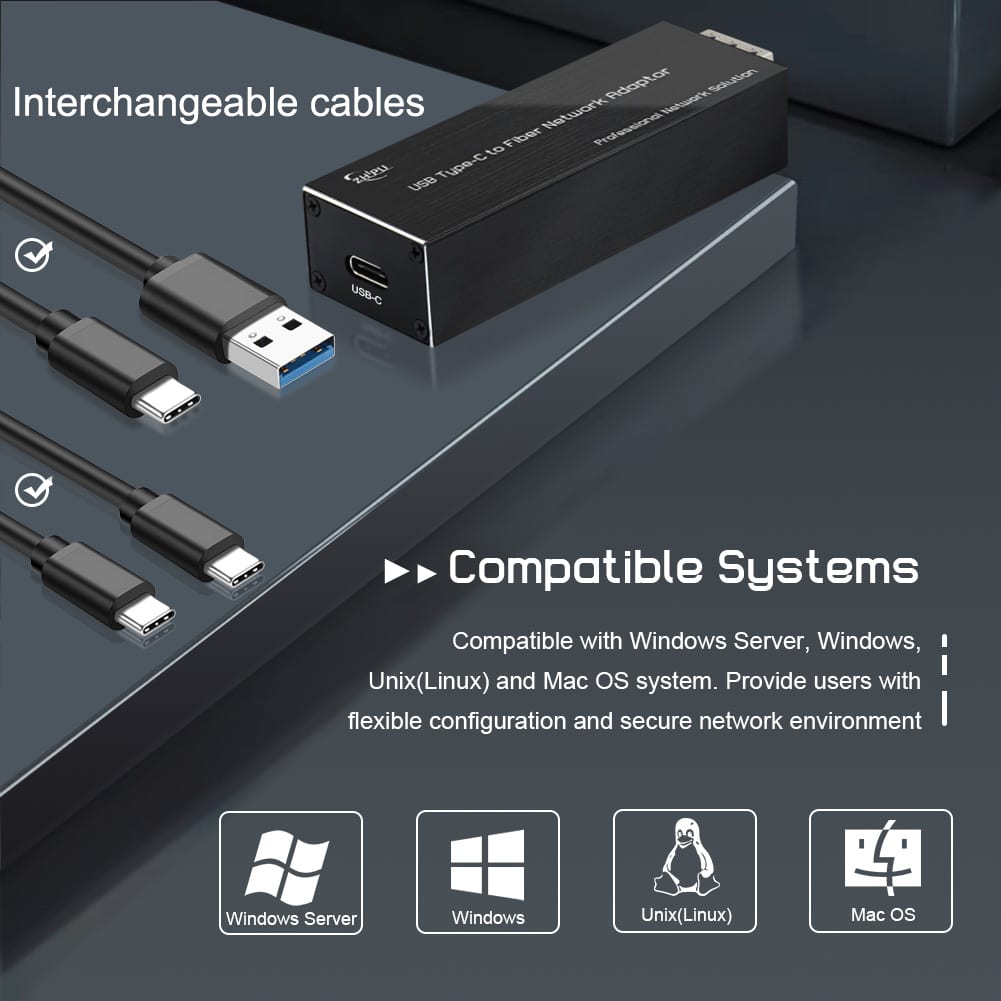
- Certified drivers for Windows, macOS and Linux
- Plug-and-play installation
RJ45: Mini RJ45 to 3.0 USB-C Gigabit Ethernet Adapter
Some systems need to install the driver, if you still can not connect after installing the driver, please contact customer service! Thanks
Technical Indexes
| Specifications | |
| Standards: | IEEE 802.1p Class of service |
| IEEE 802.1Q VLAN Tagging | |
| IEEE 802.2 Logical Link Control (LLC) | |
| IEEE 802.3ac VLAN tagging | |
| IEEE 802.3az Energy Efficient Ethernet (EEE) | |
| IEEE 802.3x Flow Control and Back pressure | |
| IEEE802.3u 100Base-TX/FX Fast Ethernet | |
| IEEE 802.3z 1000Base-X Gigabit Ethernet | |
| IEEE 802.3ad Link Aggregation Control Protocol (LACP) | |
| Chipset ID: | Realtek RTL8213B |
| Network Transfer Rate: | 14,880pps (10Mbps) |
| 148,800pps (100Mbps) | |
| 1,488,000pps (1000Mbps) | |
| Jumbo Frame Support: | 9K max. |
| Other: | Supports power Down / Link down power saving |
| Software | |
| OS Compatibility: | Windows® 7, 8, 8.1, 10, 11
Windows® Server 2008, 2012, 2016, 2019 macOS 10.9 – 10.14, 11.0, 12.0, 13.0 Linux® kernel 3.5 and up – LTS Versions only |
| Interface | |
| USB: | 1 x USB-C 3.0 |
| SFP: | 1 x SFP 1000Base-X or 100Base-FX (auto detection) |
| Electrical and Mechanical | |
| Power: | USB Bus Powered |
| Power Consumption: | 5W Max. |
| LED Indicators: | |
| L/A: | Link/Activity |
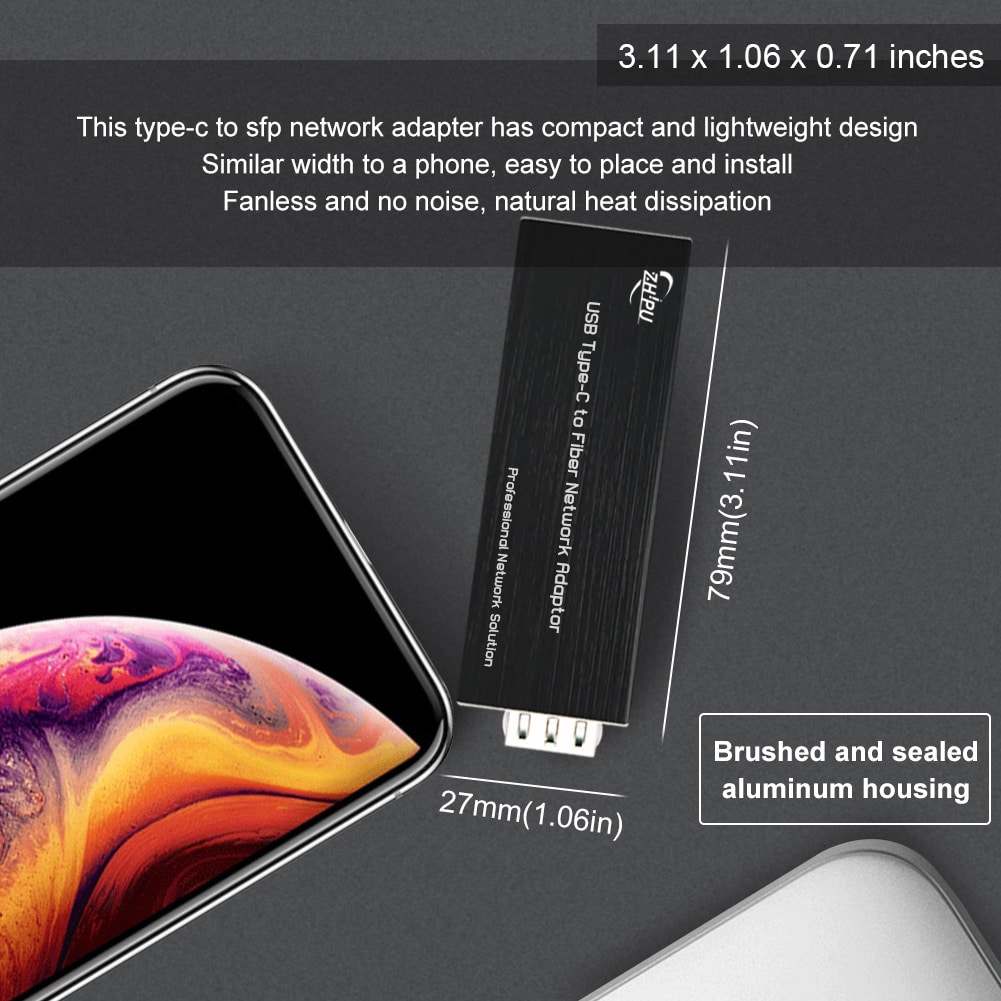
| Dimensions (WxDxH): | 78 x 27 x 18 mm |
| Weight: | 46g |
| Casing: | Aluminum Case |
| Mounting Options: | Desktop |
| Environmental | |
| Operating Temperature: | 0°C ~ 60°C (32° ~ 140°F) |
| Storage Temperature: | -10° ~ 70°C (14° ~ 158°F) |
| Relative Humidity: | 5% to 90% non-condensing |
| MTBF | > 100,000 hrs |
| Regulatory Approvals | |
| ISO9001, CE, FCC, RoHS | |
Ordering Information
| Model | Description |
| LNK-TCF1000 | Micro Mini USB-C 3.0 to Fiber Optic Converter – Open SFP |
| SFP Options | ► SFP option. Please select your SFP on our SFP Options Page. |
| ► SFP module is to be purchased separately. | |
| Mounting Options | ► Desktop |
| Power Options | ► No need for an external power adapter (bus powered) |
| Package Contents | ►USB 3.0 to SFP Gigabit Ethernet Adapter x 1 |
| ► Quick installation guide x 1 |
https://www.youtube.com/@e-Link-n6r
USB-C to Fiber Adapter USB-C to Fiber Adapter USB-C to Fiber Adapter USB-C to Fiber Adapter USB-C to Fiber Adapter


TC –
This adapter is extremely useful! I plugged in a single-mode fiber SFP and cable, and it instantly showed a link status and was ready to pass traffic—no need to manually install drivers since Windows 10 recognized it immediately. If you’re planning to use it with a router, just ensure it’s compatible. One small issue is that Windows shows the link status even without an active connection, but that’s not a big deal. Plus, it uses USB-C, which is super convenient. I highly recommend it!
Direwolf –
I work as a network engineer, and have all kinds of tools for accessing networks. My laptops have been limited to copper, and I’ve always had to use media converters or an extra switch to access fiber networks directly.
The E-link USB C to Fiber Network Adaptor is the piece I’ve always been missing. It’s a USB C compliant network adapter with an SFP port instead of dedicated copper. I can use the same SFP’s I use for switches and servers on the network, without going through a media change or additional switch hop, so I can monitor the traffic directly. It works at full gigabit speeds. It auto detects the network speed, and works out of the box without special drivers for most operating systems. This is a great adapter for users of sophisticated networks.
Luke –
Internally it’s a USB3 to Ethernet IC, that connects to an Ethernet to SFP IC, a real cheap, simple and functional way to go from SFP to USB. Well designed, and capable of the same connectivity and speed of a typical USB3 1Gbps Ethernet adapter. Thanks to the metal case it strays pretty cool.
SOT –
I just put a fiber network in my home and wanted to see if I could use this product to do some baseline testing with a MacBook Pro M4 and wireshark. Not quite there yet, but it’s getting close to show time…