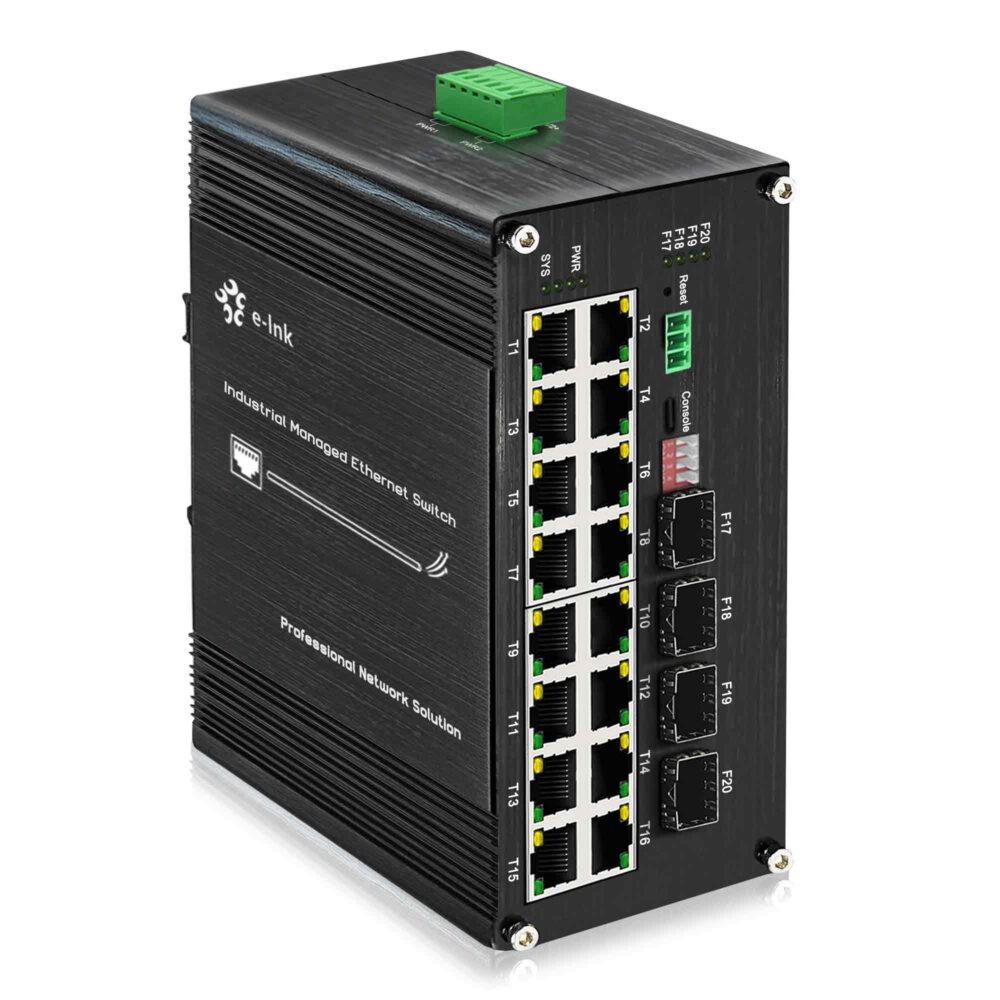
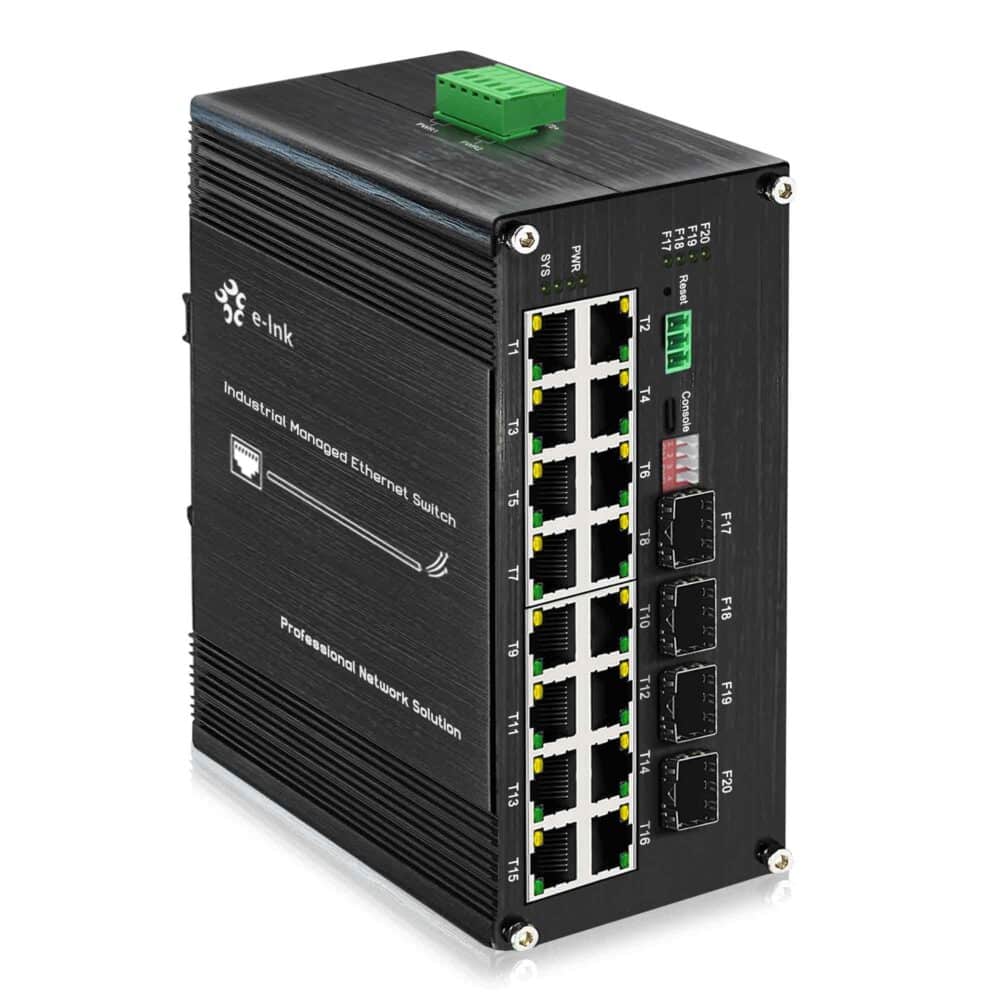
4 Port SFP Fiber Switch

Reliable 4 Port SFP Fiber Switch for Fast and Stable Fiber Networking

A 4 Port SFP Fiber Switch is a reliable networking device designed to deliver high-speed fiber connectivity for home labs, small business networks, surveillance systems, and advanced networking setups. Compared with traditional Ethernet switches, fiber switches provide longer transmission distance, stronger anti-interference capability, and more stable performance for high-demand network environments.

At E-link, we offer a wide range of 4 Port SFP Fiber Switches designed for users who require stable fiber networking, easy installation, and long-distance communication. These switches are suitable for both professional and personal network deployments.

Whether you’re upgrading your network infrastructure, building a fiber backbone for your office, or connecting long-distance devices, a 4 port fiber switch provides a powerful and flexible solution.

Browse Our 4 Port SFP Fiber Switch Models

Below you can explore our selection of 4 Port SFP Fiber Switches. Each model offers reliable fiber connectivity, stable data transmission, and easy plug-and-play deployment.

Why Choose a 4 Port SFP Fiber Switch

Longer Transmission Distance

Fiber optic networking allows data transmission over much longer distances compared with copper Ethernet cables. Depending on the SFP module used, transmission distance can range from hundreds of meters to tens of kilometers.

Faster and More Stable Connectivity

Fiber switches support gigabit fiber transmission, ensuring stable high-speed communication between network devices such as routers, servers, switches, and monitoring systems.

Strong Anti-Interference Performance

Unlike copper cables, fiber optic cables are immune to electromagnetic interference, making them ideal for environments with electrical noise.

Flexible Network Expansion

A 4 port SFP switch allows you to connect multiple fiber devices while keeping your network flexible and easy to expand in the future.

Easy Plug-and-Play Installation

Most fiber switches require no complicated configuration. Simply install the SFP module, connect the fiber cable, and power on the device.

Typical Applications for 4 Port Fiber Switches
fiber switch surveillance network

Home Lab Networking

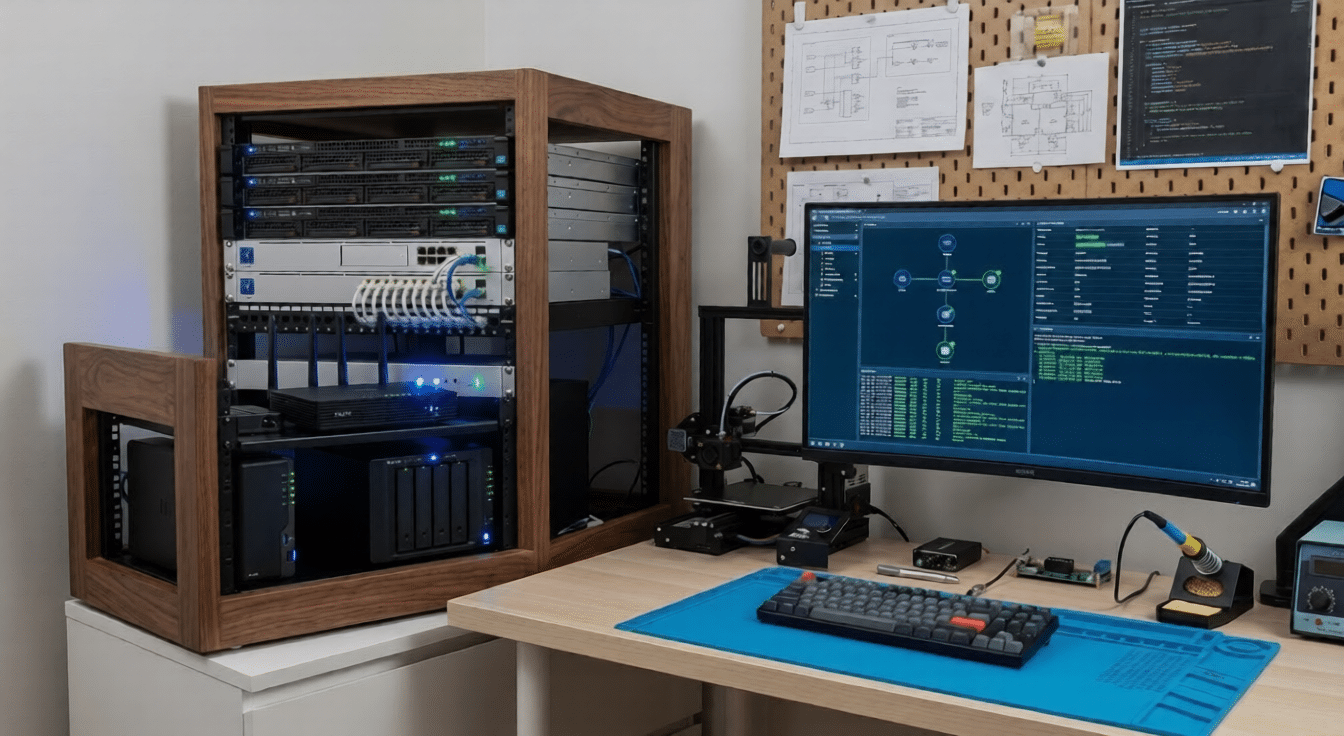
Technology enthusiasts and network professionals often use fiber switches in home lab environments to build high-speed test networks and experiment with fiber communication.

fiber switch surveillance network

Small Business Networks

Small offices and businesses can use fiber switches to create reliable backbone connections between routers, servers, and other networking equipment.

fiber switch surveillance network

Security Camera Systems

Fiber switches are commonly used in IP surveillance networks to connect remote cameras with central monitoring systems over long distances.

fiber switch surveillance network

Building-to-Building Networking

Fiber optic cables are ideal for connecting multiple buildings within a campus, factory, or residential complex.

Key Features of E-link 4 Port Fiber Switches

How to Choose the Right 4 Port SFP Fiber Switch

When selecting a fiber switch, consider the following factors:

  • Network Speed: Choose gigabit fiber switches for higher performance and smoother data transmission.
  • Fiber Type: Make sure the switch supports the SFP modules required for your fiber cable type (single-mode or multi-mode).
  • Transmission Distance: Different SFP modules support different distances, ranging from 550 meters to more than 80 kilometers.
  • Network Size: Consider the number of devices you plan to connect to ensure your switch provides enough ports for future expansion.

4 Port Fiber Switch vs Traditional Ethernet Switch

Feature Fiber Switch Ethernet Switch
Transmission Distance Depends on SFP module (typically 550 m to 80 km) Up to 100 meters
Signal Interference Immune to electromagnetic interference Affected by electrical noise
Speed Stability Stable for long-distance communication May degrade over longer cable runs
Ideal Applications Surveillance systems, industrial networks, fiber backbone Home networks, short-distance office setups
Future Scalability High scalability with fiber infrastructure Limited by copper cable distance

For fiber networks, the transmission distance mainly depends on the installed SFP module. By selecting different fiber modules, the network distance can range from hundreds of meters to tens of kilometers.

How to Set Up a 4 Port SFP Fiber Switch

Setting up a 4 Port SFP Fiber Switch is simple and only requires a few basic steps. Follow the guide below to quickly install and start using your fiber network switch.

Step 1: Install the SFP Module

Insert a compatible SFP module into the SFP port of the switch. Make sure the module type matches your fiber cable.

Step 2: Connect the Fiber Cable

Attach the fiber optic cable to the SFP module. Ensure that the fiber connectors are clean and properly aligned.

Step 3: Connect Network Devices

Connect your routers, computers, servers, or other switches to the network.

Step 4: Power On the Switch

After connecting all devices, power on the switch. Most switches automatically detect network devices and begin transmitting data immediately.

Step 5: Verify the Connection

Check the LED indicators on the switch to confirm that the network connections are active and working properly.

Once installed, the fiber switch will provide fast, stable, and long-distance network communication for your devices.

Frequently Asked Questions

What is a 4 port SFP fiber switch?

A 4 port SFP fiber switch is a network switch equipped with four SFP slots that allow fiber optic modules to be installed. These modules enable high-speed fiber communication between network devices.

Most standard SFP modules can be used, including single-mode and multi-mode transceivers that support gigabit fiber transmission.

Transmission distance depends on the SFP module used. Typical distances include:

  • 550 meters using multimode fiber
  • 10 km using single-mode fiber
  • Up to 80 km using long-range modules

Yes. Fiber switches can connect with Ethernet devices such as routers, computers, and other switches through compatible networking interfaces.

Upgrade Your Network with a Reliable Fiber Switch

If you’re looking for a reliable and high-performance 4 Port SFP Fiber Switch, E-link offers a range of models designed for stable connectivity and long-distance fiber networking.

Explore our available models above and find the right fiber switch for your network setup.